
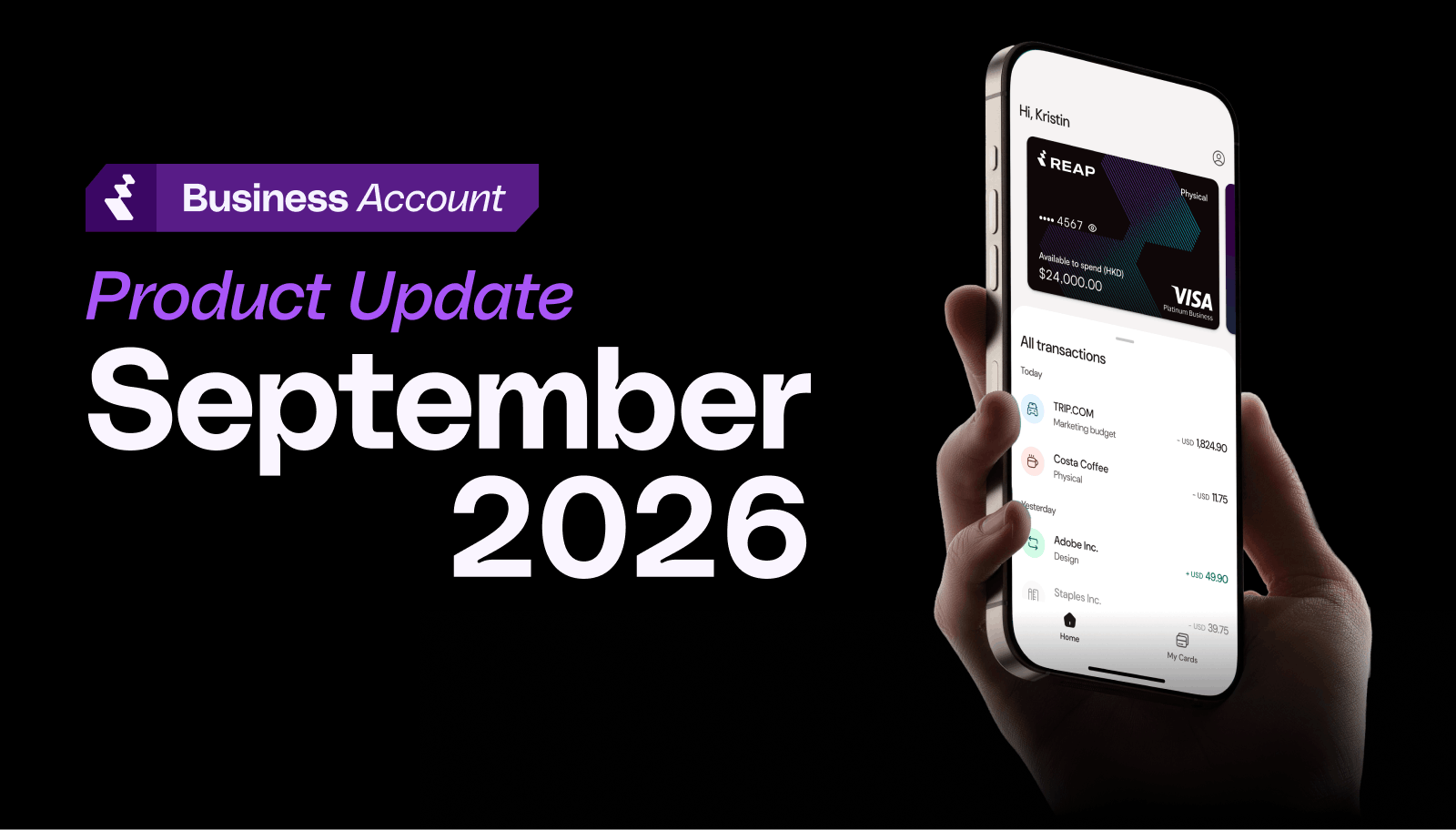
This period's highlight: transaction categories for Reap Cards. Reap now matches each card transaction's merchant code to one of 24 categories. If there's no confident match, the category stays blank for you to choose instead of defaulting to Other.
What's New at a Glance
New
1. Reap Card Transactions Now Categorized by Merchant Code
Virtual card transactions no longer inherit the category of the card they were made on. Instead, each new transaction:
- Takes its category from its own merchant code
- Can be overridden by you, and your change is kept
- Can be filtered by category, and shows its category in your CSV export
Creating a card now also asks for a Card category, a label for what the card is for. It doesn't affect how its transactions are categorized.
Who this helps: Finance teams that reconcile card spend to their books, and admins managing many cards.
How to use it: Open Transactions under Cards in your dashboard and pick a category from the Category column. Transactions made before September 7, 2026 keep their original categories.
2. Business Account API Now Returns Card Activity and Balances
The Business Account API can now read your card data as well as create cards, with two new endpoints:
- GET /cards/activities returns card charges, repayments, fees and waivers, rebates, and interest. You can filter by activity type, charge status, card, cardholder, category, receipt, transaction ID, and date range.
- GET /cards/balances returns the same six figures shown on your Balance & Statements page, from available credit to allocated and unallocated credit, calculated at the time of the request.
Both are additions to the current API version, so existing integrations don't need any changes.
Who this helps: Teams that create cards through the API and reconcile spend in their own systems.
How to use it:
- A team admin opens API under Settings.
- Create a new key or edit an existing one.
- Select card_activities:read and card_account_balances:read from the Account group.
Keys created before this release don't get the new scopes automatically, so they need to be edited. The API is in beta and available on request.
Learn more: Business Account API docs → · Read about the Business Account API →
Enhancements
1. Recipients Now Shared Across Your Business
Anyone who can open Recipients or create a payment now sees every recipient for your business, instead of only the ones they created. Only the creator, an Admin, or the creator's Group owner can delete a recipient.
2. Team Members Endpoint Now Returns Group and Invite Status
GET /2026-07-13/team-members now returns each team member's group and invite status. The card reveal endpoint, POST /2026-07-13/cards/{cardId}/reveal, also no longer uses an iframe.
3. Clearer Network Label for HyperEVM Deposits
The network dropdown on Add funds to Card now reads "HyperEVM (a network of Hyperliquid)" instead of "Hyperliquid." Before you can continue, you'll also confirm that only USDC deposits via HyperEVM, not HyperCore, are supported.
4. Card Option Now Always Shows on Create Payment
The Card payment method now appears on Create Payment even if you don't have an eligible card. It shows as unavailable, with a message explaining that you'll need a Reap Card assigned to you to use it.
Fixes
1. Payments Categorized as "Other" Now Save Correctly
When you set or change a payment's category to Other, the purpose of payment you enter now saves, so the payment is created as expected.
2. Awaiting Funds Status Now Appears on the Transaction Timeline
The Awaiting Funds status now reliably appears on a new payment's transaction timeline, within 1–3 minutes of creating the payment.
3. Long Attachment Names Now Truncate in Create Payment
Long attachment file names now truncate instead of adding a horizontal scrollbar to the page. The PDF viewer also no longer flickers on certain files when Card is selected as the payment method.
Sort Your Card Spend by Category
Everything in this update is live now, and the API additions are available to accounts with API access. Open Transactions under Cards in your dashboard and look for any card transactions with a blank category: Reap couldn't match those, so the category is yours to choose.


