Business Account The unified account layer for stablecoin-enabled businesses
Learn more
Embedded Finance Launch branded financial products on Reap's infrastructure, one API integration
Learn more
compliance
Agentic Payments Agentic spends on any merchant, anywhere. Agent-native checkout live today.Explore
One stack, direct or embedded.See pricing

Bring your own AI agents. Automate your business expenses.

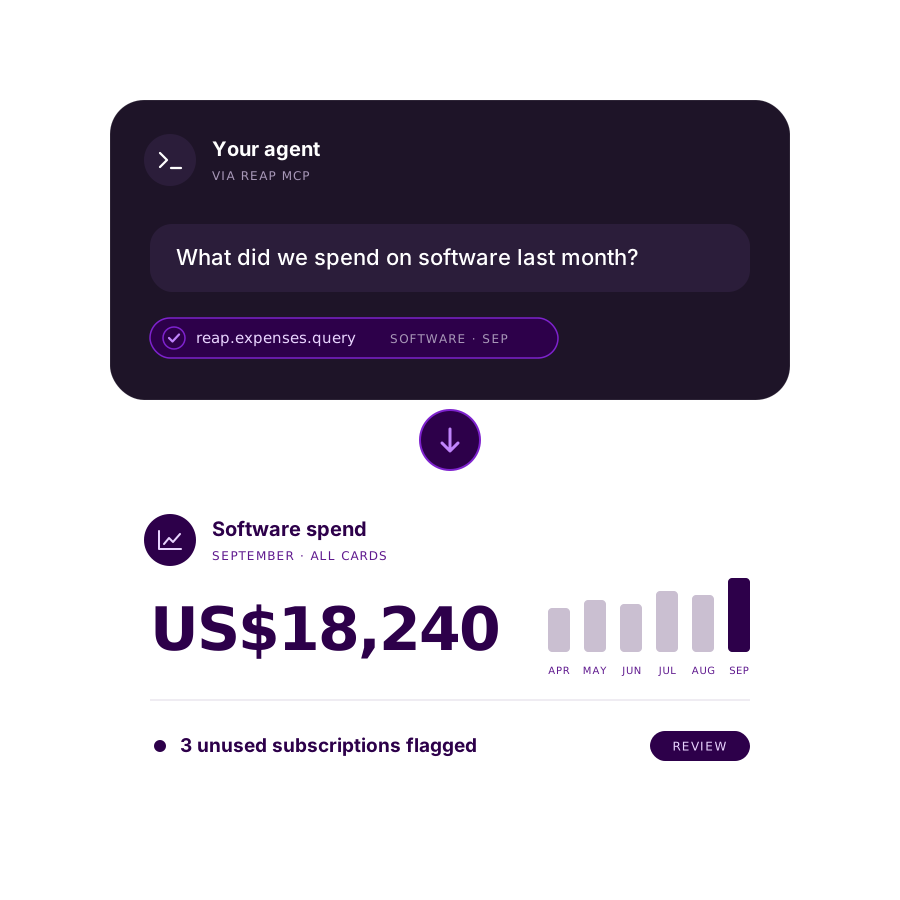
Connect Claude Code, Codex or your own AI agents to your Reap Business Account. Issue and manage cards, pull treasury and expense data and insights, and offload the busywork to your agents.

Works with the agents your team already uses

CAPABILITIES

Issue and manage cards. Pull treasury and expense insights. Automate the grunt work.

Everything the Business Account API can do. Now via your AI assistants.
Infographic placeholder

Cards on command

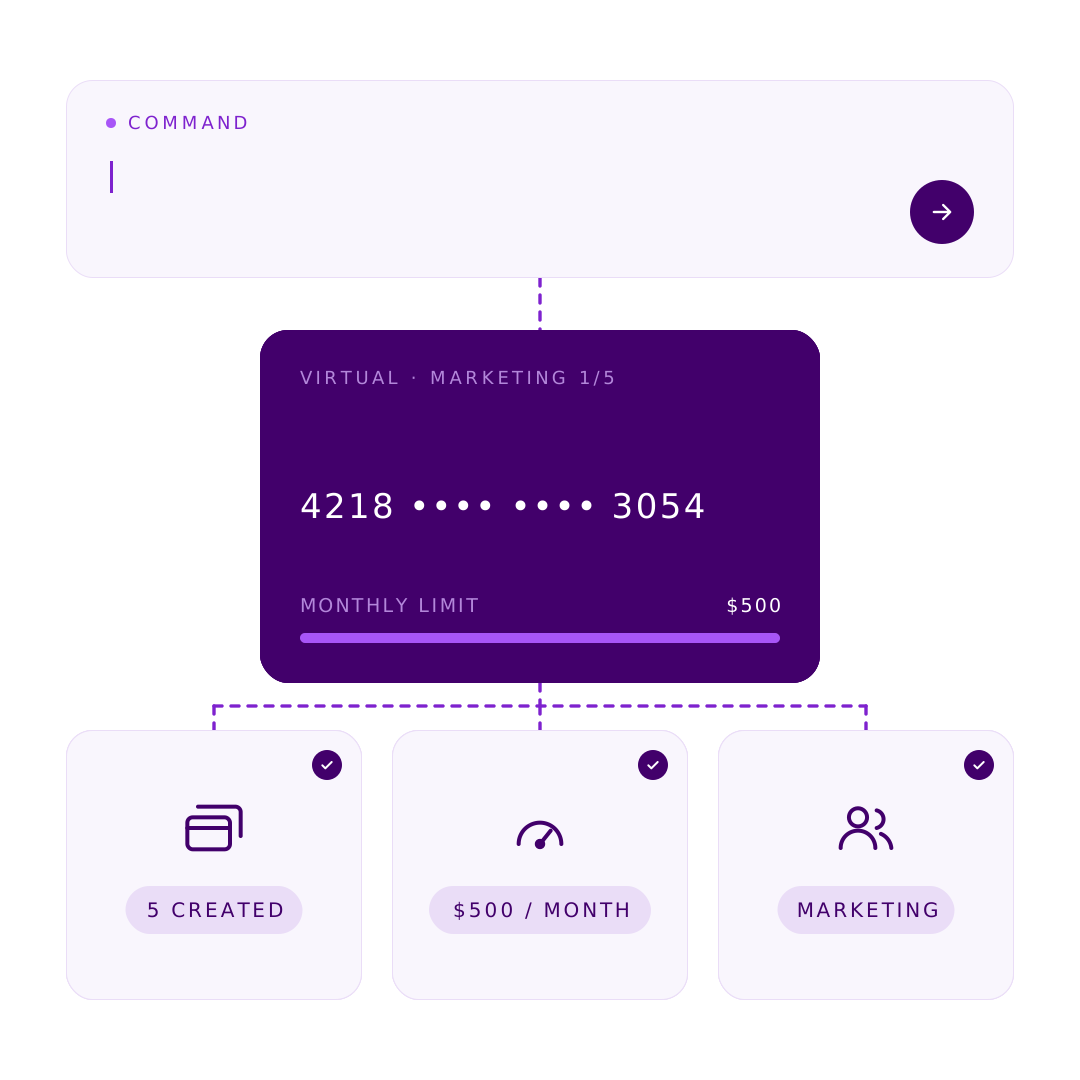
Create, rename, freeze, unfreeze and terminate cards, set budgets, limits and usage hours.

Infographic placeholder

Get business account data and insights

Read charges, repayments, fees, rebates and your credit position, then turn them into answers, tables or files.

Infographic placeholder

Treasury answers in seconds

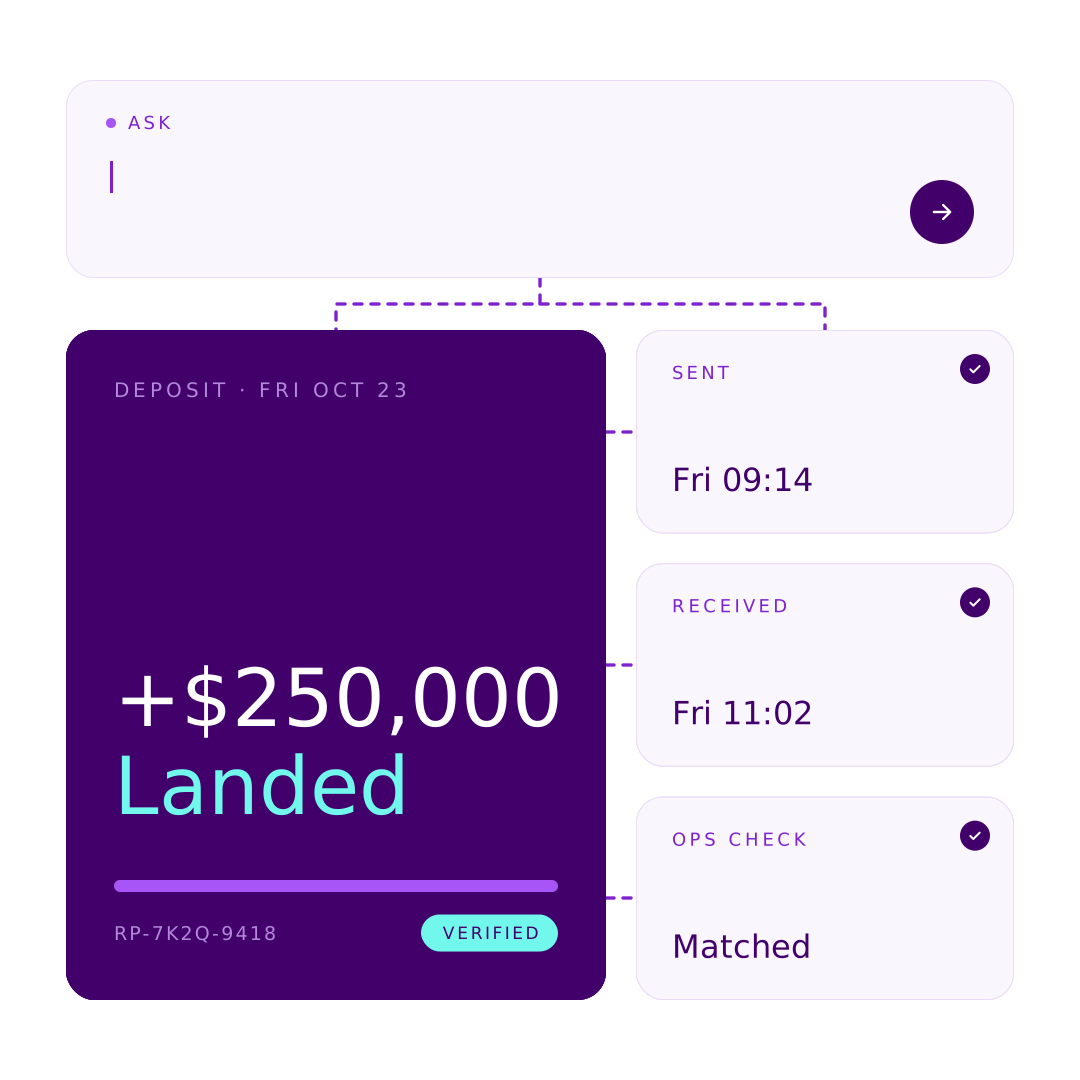
Get funding instructions, check treasury history, and confirm a bank transfer you've already sent so Ops can verify it.

HOW IT WORKS

Ask. Approve. Done.

Your agent turns plain-English requests into Business Account actions. You stay in control of every change.

Ask in plain English
Tell your agent what you need. If details are missing, like which team member or what limit, it asks before doing anything.
Review before anything runs
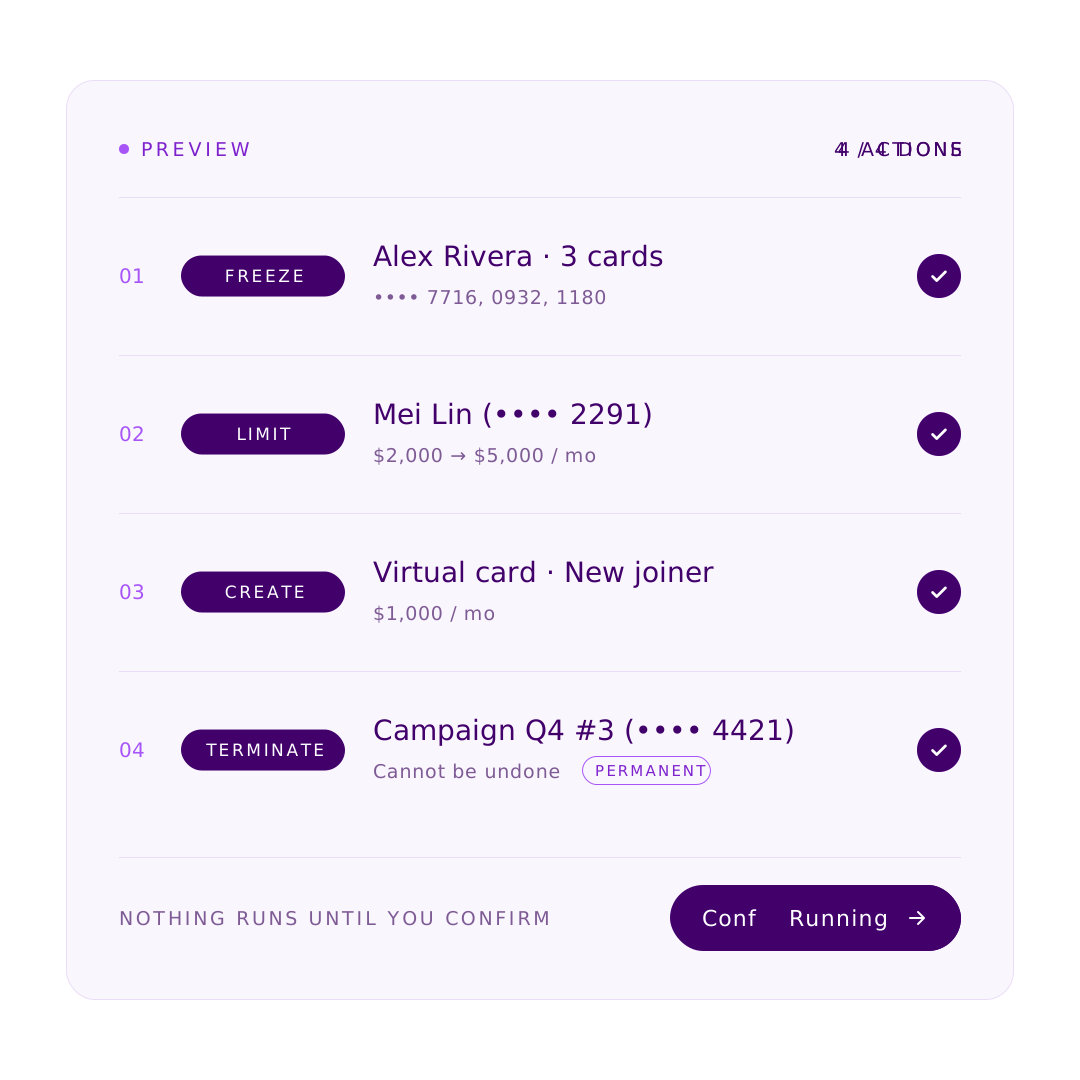
Your agent shows a preview, one line per change, with warnings like "already frozen". Nothing happens until you approve.

AT SCALE

Manage cards at scale

Cards for ad accounts, campaigns or projects, created, adjusted and frozen in bulk.
Infographic placeholder

Mix complex actions in one go

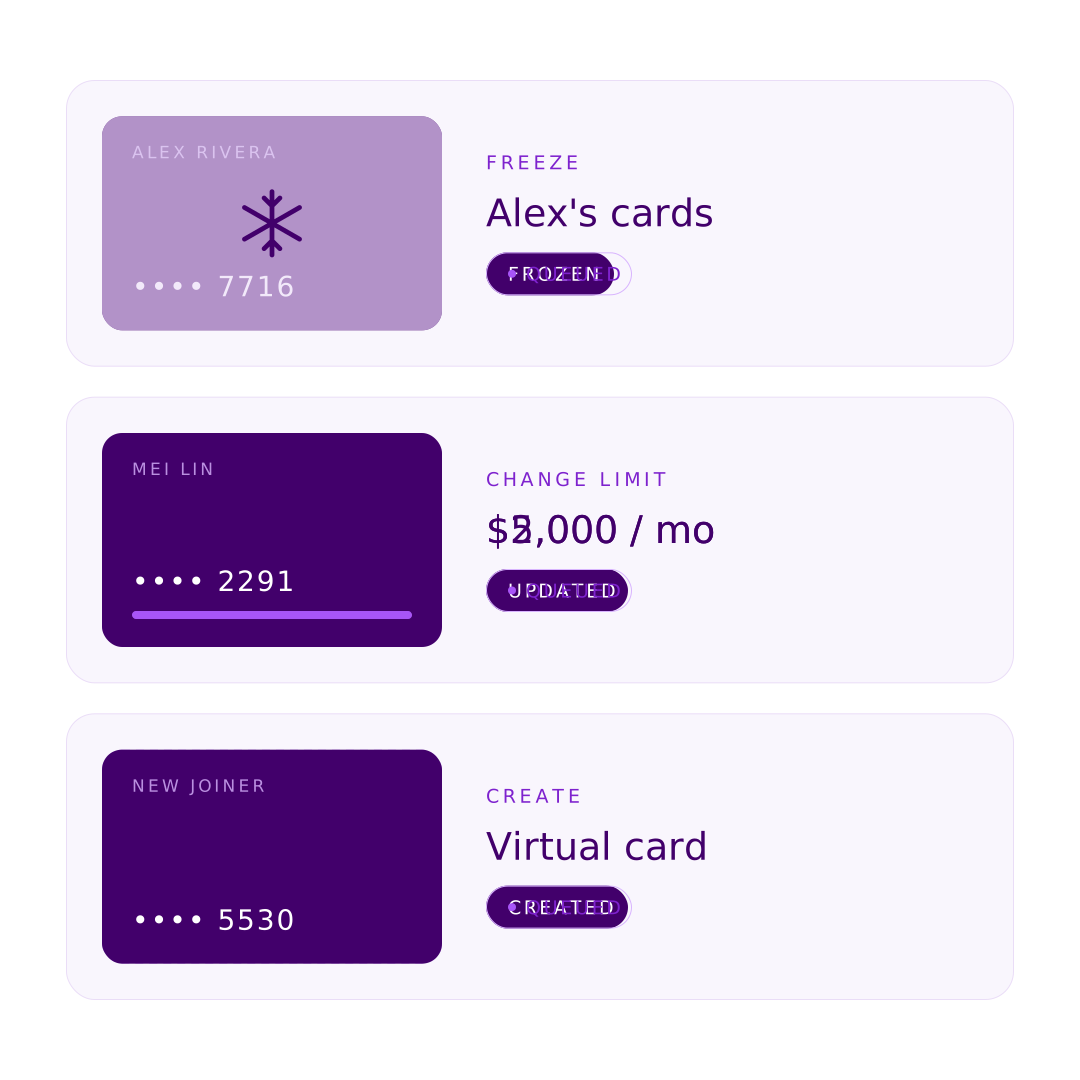
Freeze some cards, change limits on others and create new ones, all in a single request.

Infographic placeholder

A clear preview, line by line

Every item is spelled out before it runs. For example: "Terminate Campaign Q4 #3 (•••• 4421). Permanent."

Infographic placeholder

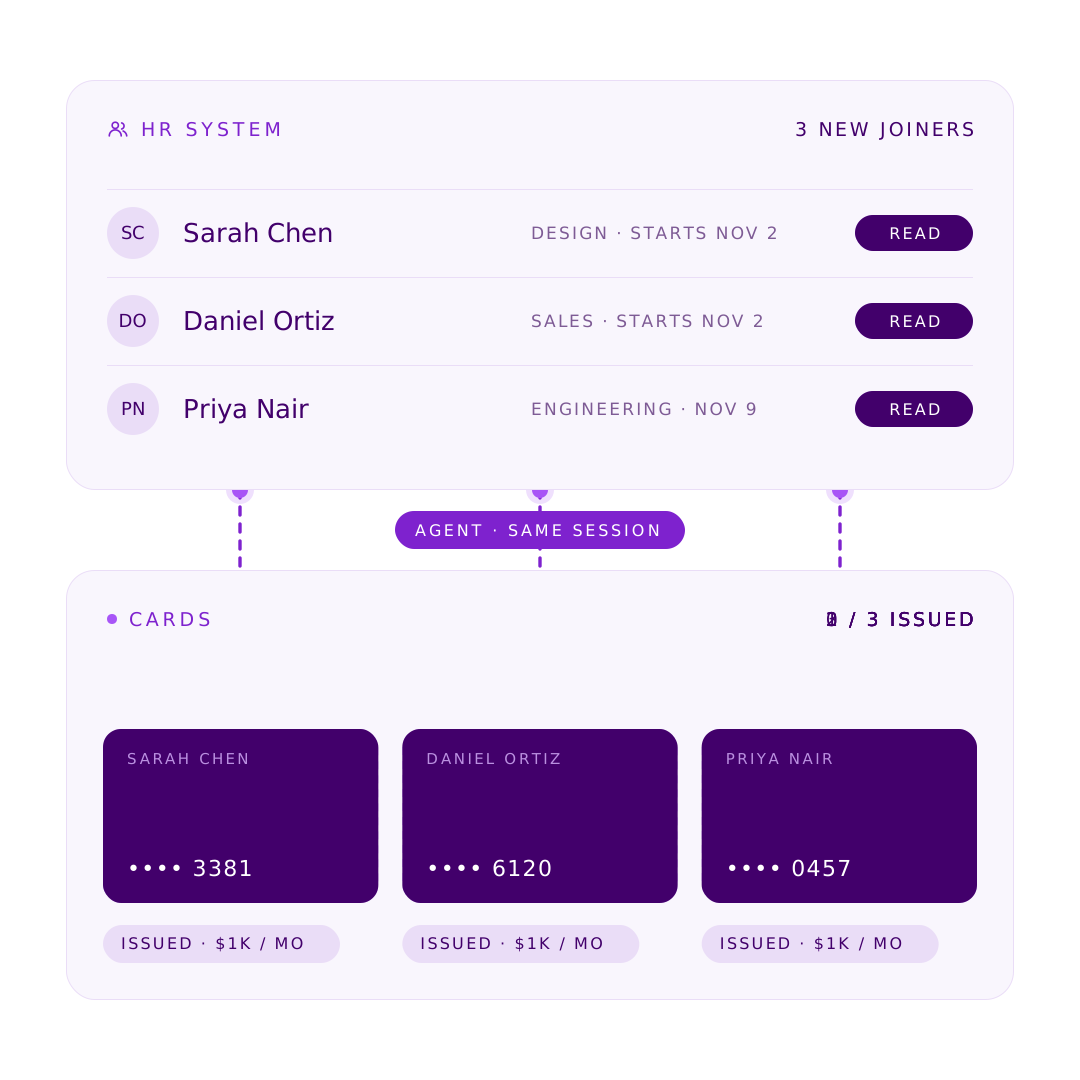
Built for complex workflows with other tools

Your agent works with your other tools in the same session. Read new joiners from your HR system and set up their cards in one go.

SECURITY

Your agents, your rules.

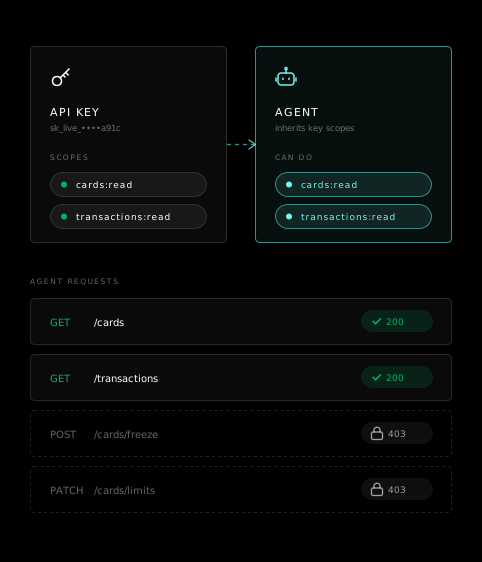
The MCP uses your own API key, so every check the API runs today still applies.

Same permissions as your key
Nothing permanent without you
No card details, ever
Revoke anytime
Your key stays private
Your IP allowlist still applies

Same permissions as your key

Your agent can only do what your API key's scopes allow. A read-only key means a read-only agent.
BUILT IN POLICIES

Works with the policies you already have.

Your agent runs inside the same approval flows and audit trail as everything else on your Business Account. Nothing bypasses them.

Card approval policies
Cards created by your agent follow your business's approval policy and wait in the dashboard if approval is required.
Full audit trail
Every MCP action is a normal API call, logged under the same business and API key.
HOW TO CONNECT

Connected in minutes. No code to write.

Read the setup guide
01

Create an API key

In your dashboard, go to API › Create key and create a key with the scopes your agent should have. Pick only read scopes for a read-only agent. Add your computer's IP to the allowlist.
02

Connect your agent

Add the Business Account MCP to your tool. Any other tool that connects to a remote MCP server over HTTP works the same way.

Tip: give the setup guide's URL to Claude Code or Codex, and it sets itself up.
03

Ask

Start with "Who are my team members?" and go from there.

What you do vs. what Reap does

You
Reap
Choose assets and pricing
Authorises spend against available balance
Maintain user balances (deposits/withdrawals/repayments)
Clears, reverses, and settles transactions
Fund the master collateral account
Holds the master collateral account
Keep custody and the user relationship
Polls your pricing feed for dynamic-rate assets
Applies your balance updates atomically
FAQ

Questions teams ask before connecting their agents

01
What is the Business Account MCP?
+
A remote MCP server hosted by Reap that lets AI agents run your Business Account through the API, using your own API key. Whatever your key can do through the API, your agent can do, and nothing more.
02
Which AI agents work with it?
+
Claude Code, Codex and any tool that can connect to a remote MCP server over HTTP and send a fixed header. You can also connect agents you build yourself.
03
Do I need a developer or a Reap plugin?
+
No. An admin creates an API key, adds one line of setup and starts asking.
04
Is it as secure as the API?
+
Yes. It uses your API key, so it has exactly the API's permissions, scopes, isolation and audit trail. The one difference is that requests pass through the AI provider you choose.
05
Can my agent see full card numbers?
+
No. Card number, expiry and CVV are never available. Cards show only their name and last 4 digits.
06
Why did my agent show a preview for a single card?
+
Creating and terminating cards always goes through preview and approval, even for one card.
07
Who can use it?
+
Any Business Account with API access. Don't have it yet? Request API access from your dashboard or our team.
08
How do I stop my agent's access?
+
Revoke the API key in your dashboard. Access stops on the next call.
GET STARTED

Put your agents to work on your business expenses.

NEW: Now supporting stablecoin card programs across 100+ markets Learn more