

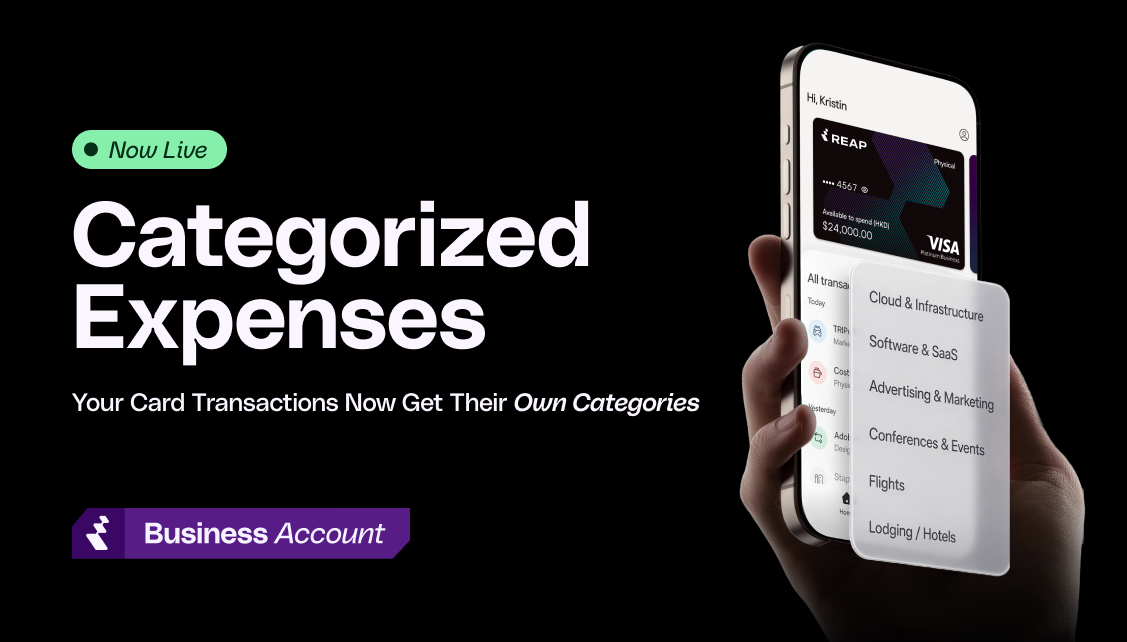
A card labeled "travel" used to stamp "travel" on everything it bought: a hotel, a team dinner, a software renewal. One label did two jobs, and finance teams ended up recoding hundreds of line items by hand every month to get their books right.
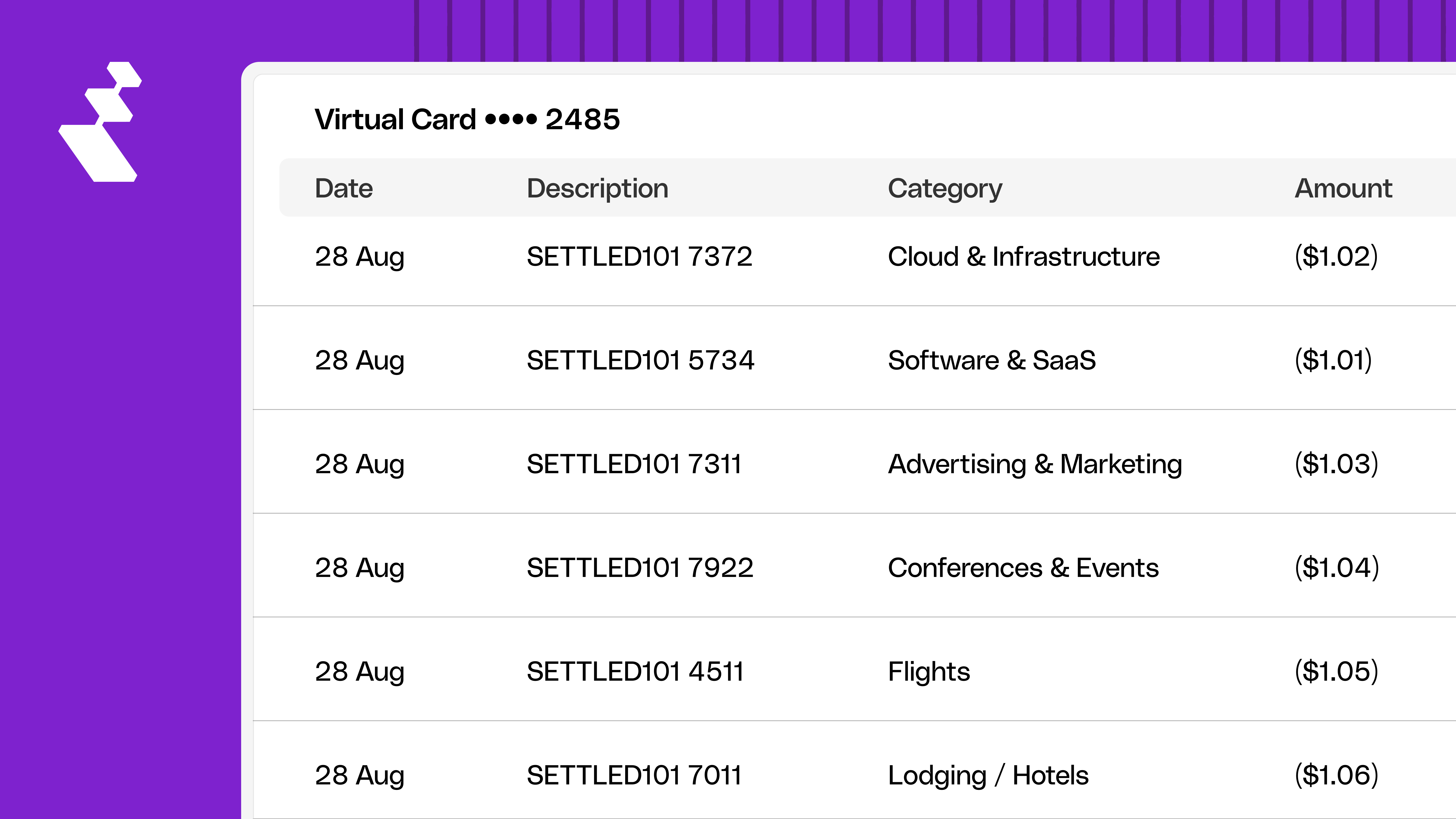
Not anymore. Every Reap Card transaction is now categorized by what was actually purchased, not by the card it was made on.
What Changed
How It Works
Every transaction arrives with a merchant code. Reap matches that code to a category automatically, and most transactions resolve this way. From there:
- Confident match: the category is set for you, no action needed.
- Unmapped or missing code: the transaction is left blank and marked "needs review." Reap never guesses, and it never falls back to "Other" automatically.
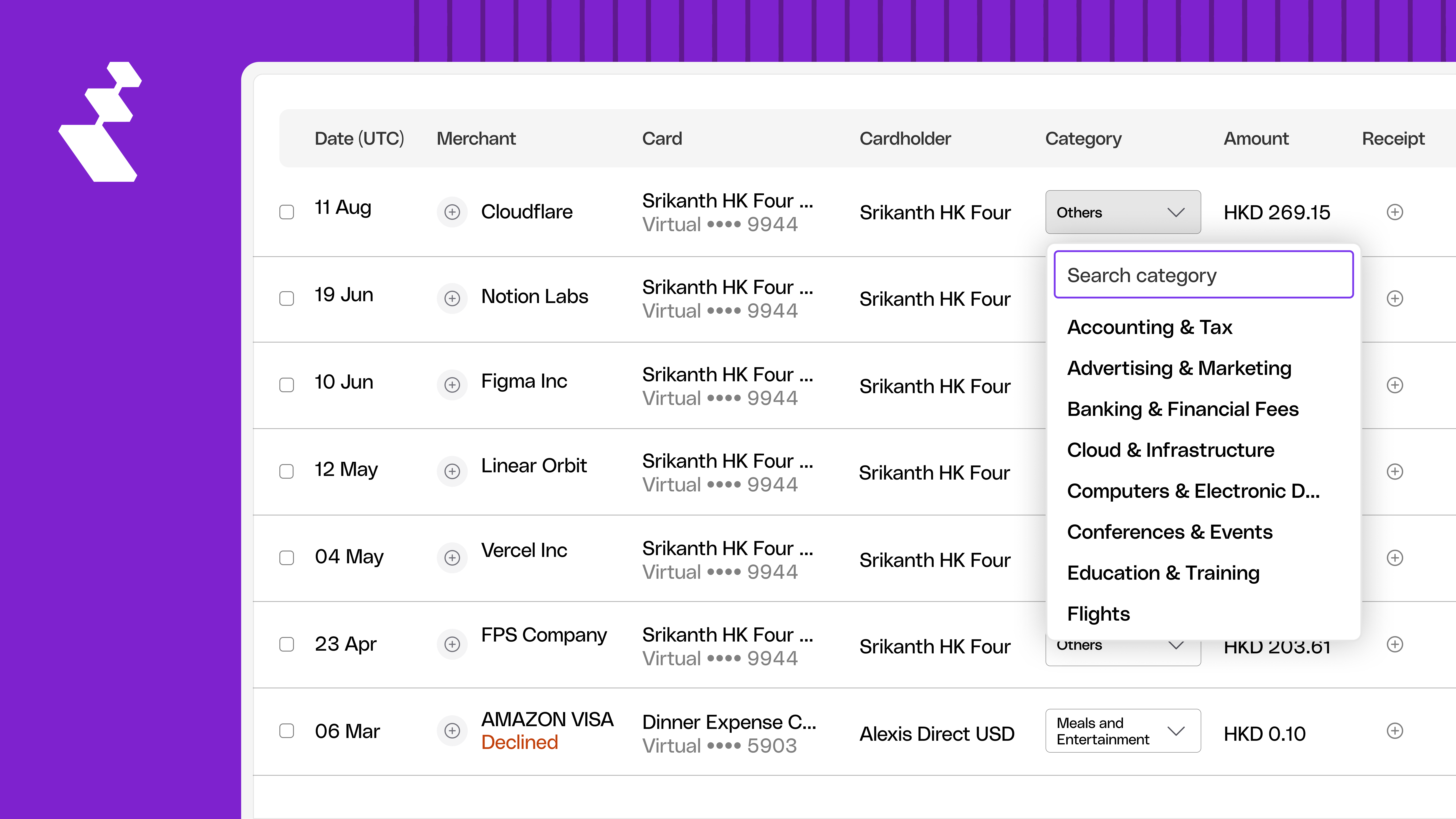
- Manual override: pick the right category from the dropdown on any transaction. It's permanent. The system won't re-resolve it later.
24 Categories, Built for Card Spend
The old list carried things that could never happen on a card, like Payroll and Renovation, plus catch-alls too vague to be useful, like Supplier. The new one is mapped to Visa and Mastercard merchant codes and grouped so you can scan it fast:
- Technology: Software & SaaS, Cloud & Infrastructure, Computers & Electronic Devices, Telecom
- Travel: Flights, Lodging / Hotels, Rideshare & Taxis, Ground & Other Travel
- Professional: Legal, Accounting & Tax, Professional Services, Insurance
- Office & Logistics: Office Supplies & Furniture, Shipping & Logistics, Utilities
- Marketing & Events: Advertising & Marketing, Conferences & Events
- Learning: Subscriptions & Memberships, Education & Training
- Daily Spend: Meals & Entertainment, General Merchandise
- Financial: Banking & Financial Fees, On/Off-Ramp Fees
- Other: Other
Two categories are pick-only: On/Off-Ramp Fees, which shares merchant codes with banking, and Other, which is never an automatic fallback.
Full list, mapping notes, and edge cases: Understanding Reap Card Transaction Categories →
A Separate Field for What a Card Is For
Creating a card now includes a Card category field, with 12 options to choose from:
Advertising & Marketing · Cloud & Infrastructure · Events & Conferences · General · Meals & Entertainment · Office & Equipment · Professional Services · Shipping & Logistics · Software & Subscriptions · Team & Employee · Travel · Utilities & Telecom
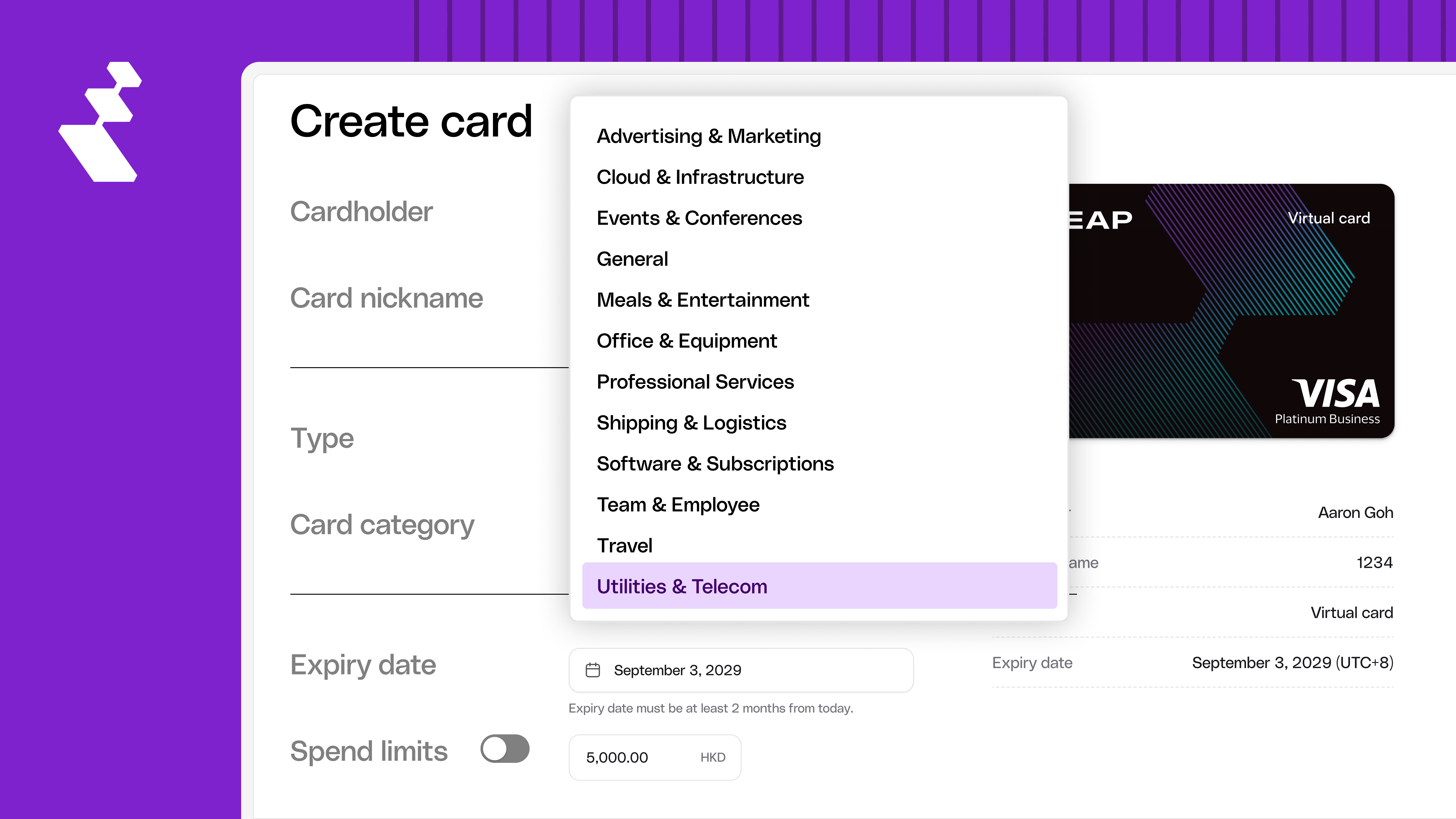
This is a label, nothing more:
- Doesn't affect how any transaction on that card gets categorized
- Doesn't limit what the card can spend on
- Does show at a glance what the card is for, useful when you're managing a lot of cards
Get Started
This is live now on every new transaction. Existing transactions keep their current categories; nothing changes retroactively.
For the full category list and answers to common questions, visit the help centre: Understanding Reap Card Transaction Categories →


