

Key Highlights
- AI agents for finance operations already run four jobs on a Reap Business Account: cards for employees, budgets for campaigns, month-end card activity and treasury funding records.
- Each job runs through a scoped API key, so a read-only key limits the agent to reading.
- Month-end close and treasury history run on read scopes, so they are a low-risk place to start.
- The Reap Business Account MCP creates cards, reads card activity and records the bank transfers you send, and you approve every preview.
- You need Business Account API access for the setup, which a team admin requests in the dashboard under API.
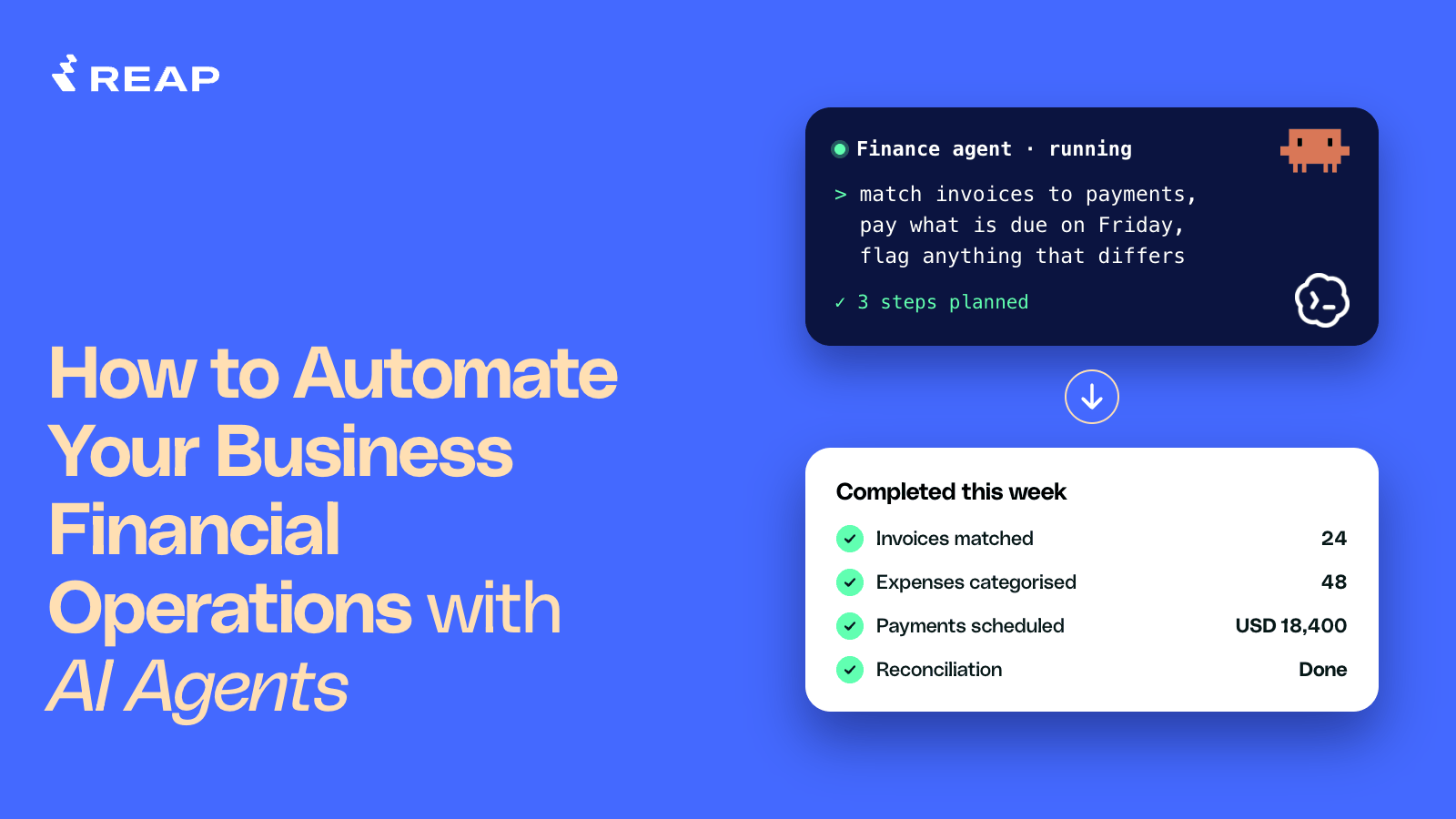
AI agents for finance operations can already run four jobs on a Reap Business Account. They issue cards to employees and set a budget for each campaign. They also prepare month-end card activity and record treasury transfers. You ask in plain English. The agent calls the Business Account MCP with your API key. The key's scopes decide what the agent can do. The launch post introduces the MCP.
This article walks through each job, what the agent does at every step, and the one edge case worth knowing. It also lists what stays with your team.
What finance operations can an AI agent handle today?
An AI agent can handle four finance operations jobs today on a Reap Business Account: month-end card activity, treasury records, cards for employees and campaign cards at scale. The table ranks them from the safest to start with to the most involved.
Each job needs an API key with the scopes shown for it in the table. A team admin requests API access in the dashboard under API, and access is granted per business.
How can an AI agent set up new corporate cards for employees?

An AI agent sets up new corporate cards for employees by finding the person on your team and creating a virtual card through a preview that you approve. You can use the same kind of request for a new joiner, a team of hires, an employee's trip or event, and a leaver. Reap's guide docs to issuing cards to your team documents these steps for developers. The Business Account MCP lets an agent run them from one plain-English request.
The agent follows the same four steps in every scenario.
- The agent finds the employee. The agent lists your team members and picks the person you named. Only people who have accepted their dashboard invite can hold a card.
- The agent asks for what is missing. If your request leaves out the limit, the budget or the category, the agent asks before it does anything. Card creation fails until your account is funded.
- The agent shows a preview. The agent lists each change on one line, with warnings, and waits for you. Creating a card always goes through this preview, even for a single card.
- The card is created. The agent reports a result for each card. If your business uses Approvals, an approver must accept the card in the dashboard before it exists.
You still approve every preview, and your approvers still accept cards in the dashboard. Keep the approval rules on, because the MCP does not force a preview when a change touches several cards. The agent never sees a card number, expiry date or CVV.
Start with one card for one employee.
How can an AI agent run campaign cards at scale?
An AI agent runs campaign cards at scale by creating one card per campaign with its own budget, then watching each card's spend against that budget. Reap's advertising guide documents the pattern for developers. The Business Account MCP lets a media buyer or a finance lead run it by asking.
- The agent checks your available credit. The agent compares the total of the campaign budgets with your unallocated credit. Balances are calculated when you ask, so check just before each batch.
- The agent creates one card per campaign. Each card is virtual and has its own budget, and a top-up card declines once the budget is spent. A daily pacing limit is optional.
- The agent names each card with the campaign reference. A title such as CMP-0001 Spring Sale Search US lets the agent find the card by its reference later.
- The agent watches spend. The agent compares each card's spent amount with its budget. Reap suggests an alert at 80% of the budget.
Teams get caught by the budget update. A new budget replaces the total. To raise a $1,500 budget by $1,000, ask for $2,500. The new budget cannot fall below what the card has already spent. The Reap Business Account MCP has no tool that shows full card details, so it does not replace the dashboard for anyone who needs them.
Your team keeps the budgets, the approval of each preview and the decision to terminate.
How can an AI agent speed up month-end close?
An AI agent speeds up month-end close by pulling the month's card activity and writing a file for your ERP. The agent also separates final amounts from pending ones and matches each card to its cardholder. Reap's card activities reference lists the fields the agent works from.
- The agent pulls the month's activity. You give a start and an end date, and Reap treats both as inclusive UTC days.
- The agent separates cleared from pending. Cleared activity is settled and final. Pending activity is authorised but not settled, so its amount can still change. It already reduces your available credit.
- The agent splits activity by type. The types are charges, repayments, adjustments, rebates and interest.
- The agent adds the cardholder. Activity records carry no names, so the agent matches each record's card to its cardholder through your card list.
- The agent groups by category and writes the file. A charge carries its card's category, and the transaction has its own spend classification.
- The agent lists charges that lack a receipt. Each record carries a
hasReceiptflag that shows whether a receipt is attached.
"Put September's cleared card activity in a CSV, grouped by cardholder and category."
Close the month on cleared activity and list pending items separately.
An AI agent doing month-end close has two limits. It can list charges without a receipt, but uploading receipt notes and updating categories are not yet available. A decline reason is a card-network code, so the agent shows you the accompanying message and does not interpret the code. Your team keeps the totals check and the entries in the ERP, so compare the agent's totals with the expense management dashboard before you post.
How can an AI agent keep treasury funding records in order?
An AI agent keeps treasury funding records in order by reading your funding options and recording the transfers you send. The agent also gets fresh funding instructions and matches Treasury history for reconciliation. The steps below follow Reap's funding guide.
- The agent reads your funding options. The list shows only the methods your business can use, so do not send funds by a method that is missing from it.
- The agent gets the funding instructions. A bank transfer returns account details and a Reference ID, and a wallet transfer returns a wallet address. Each bank request returns a new Reference ID, so save it against the transfer before you send anything. A wallet address can show as in progress while Reap creates it, and you should wait until it is ready.
- You send the money. Put the Reference ID in the transfer remarks, and send from an account in your business's registered name. With the Reference ID, Reap reconciles a bank transfer automatically within a few minutes of the funds landing in Reap's bank account. Your bank's own processing time comes on top. Without it, the Reap team reconciles manually. That can take 1 to 2 business days.
- The agent records the transfer. Confirming tells Reap that the transfer is on its way and starts verification. It does not credit funds, reconcile the transfer or move money. Recording a transfer runs immediately with no preview, so add an ask rule for it.
- The agent follows the history. The agent filters Treasury history by type, status and date. Wallet transfers match on the transaction hash, and bank transfers match on the Reference ID or the confirmation ID.
"List this month's incoming transfers and match them to my Reference IDs."
A finance team should know three edge cases.
- A completed transfer is not always spendable, so ask for your balances before you issue cards.
- Reap removes some rejected transfers from the history, so a missing row does not prove a rejection.
- Bank transfer confirmations are recorded under the key's creator, so they fail until an admin creates a new key under a current team member if that person leaves.
Send the hash or the Reference ID to Reap Support when a bank transfer is still pending or missing 30 minutes after the funds should have landed, or a wallet transfer is missing 30 minutes after you sent it.
Today the agent reads the funding instructions and records the transfer your team sends.
What should stay with a person when an agent runs finance operations?
When an agent runs finance operations, a person should give the final approval on any action that moves money or sets policy, and on any step that cannot be undone. The agent prepares the work, and a person approves it.
- Moving money. A person gives the final approval before any funds go out. Today the MCP records a transfer you already sent.
- Permanent actions. Terminating a card is permanent and always goes through a preview. You approve it.
- Approvals. Previews need your approval, and a business that uses Approvals still has an approver accept each new card in the dashboard.
- Scopes. You choose what the key allows. Start with read scopes and add write scopes for one job at a time. Never add
cards:read_vaultto the key, because no MCP tool uses it.
The MCP does not force a preview when a change touches several cards, so keep the approval rules on for every write. Your requests and the replies also pass through the AI provider you choose.
How do you connect an AI agent to your finance operations?
You connect an AI agent to your finance operations with an API key and one setup command. The guides for Claude Code and Codex give the exact steps. [LINK PENDING: both how-tos, publish before linking] Reap's setup guide covers any other tool that connects to a remote MCP server over HTTP and sends an API key header.
How do you start to automate financial operations with AI?
To start automating financial operations with AI, begin with one read-only job, such as exporting a month of card activity, as a general practice. Compare the result with your system of record. Then add write permissions for a single repeated change. Keep an approval step on every write, and move to the next job once the first one matches.
How Reap Can Help
Reap's Business Account brings expense management, spend controls and corporate cards into one account. The Business Account API and the Business Account MCP expose the same controls, so your team can issue employee cards and set campaign budgets from the dashboard or by asking an agent. The same two routes cover month-end card activity and treasury transfer records.
New to Reap? Create an account. Once your card application is issued, an admin can request Business Account API access in the dashboard.
Disclaimer
The information provided in this material is for general informational purposes only and does not constitute legal, financial, tax, or business advice. It should not be interpreted as a recommendation, offer, solicitation, or inducement to engage with Reap's products or services. Any use of Reap's services is at the user's sole risk and discretion.
Reap makes no representation or warranty, express or implied, regarding the accuracy, completeness, or reliability of the information provided. Services are governed exclusively by Reap's applicable legal agreements. Service availability, features, and eligibility may vary by jurisdiction and are subject to regulatory, card network, and operational limitations.
All trademarks, logos, and brand names are the property of Reap and/or their respective owners. References to third-party platforms or services are for descriptive purposes only and do not imply endorsement, partnership, or affiliation.
Reap's services and information are provided on an "as is" and "as available" basis, without warranties of any kind. Reap shall not be liable for any loss or damage arising from the use of, or reliance on, this information or its services.


