
Approval policies only work if approvers know there’s something waiting for them. Until now, that meant checking the dashboard manually, or getting pinged by a colleague when a request was about to expire. Requests sat idle, payment quotes lapsed, and requesters had to start over.
That changes today. Reap Direct now sends email notifications to approvers the moment a request needs their attention, whether it’s a Reap Card request or a Reap Pay bill payment. No more chasing approvers. No more expired quotes.
What Changed
How It Works
When a team member creates a request, whether it’s a new Reap Card or a Reap Pay bill payment, the system checks whether your organization has an approval policy configured. If a policy is in place, all required approvers receive an email notification immediately.
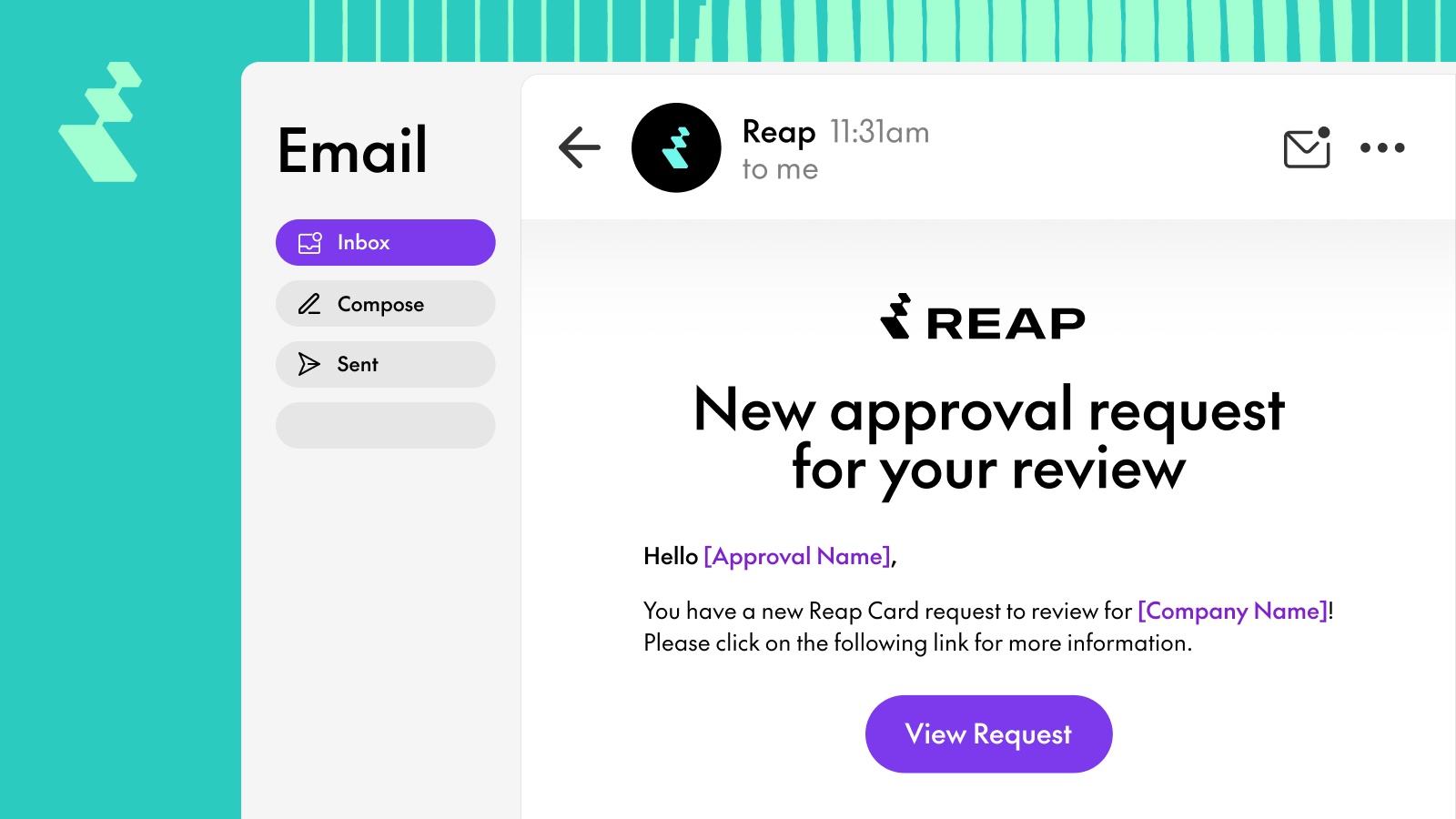
Each email includes the approver’s name, the entity name, and a direct link to the request. Clicking the link takes the approver straight to the Approvals section in the Reap Direct dashboard, where they can review, approve, or reject the request.
If no approval policy is configured, requests auto-approve as before — no emails are sent.
What the Emails Look Like
Approval emails are clean and actionable. Each email tells the approver exactly what needs their attention and provides a one-click path to the dashboard.
For Reap Card requests, the email notifies the approver that a new card request is waiting for their review.
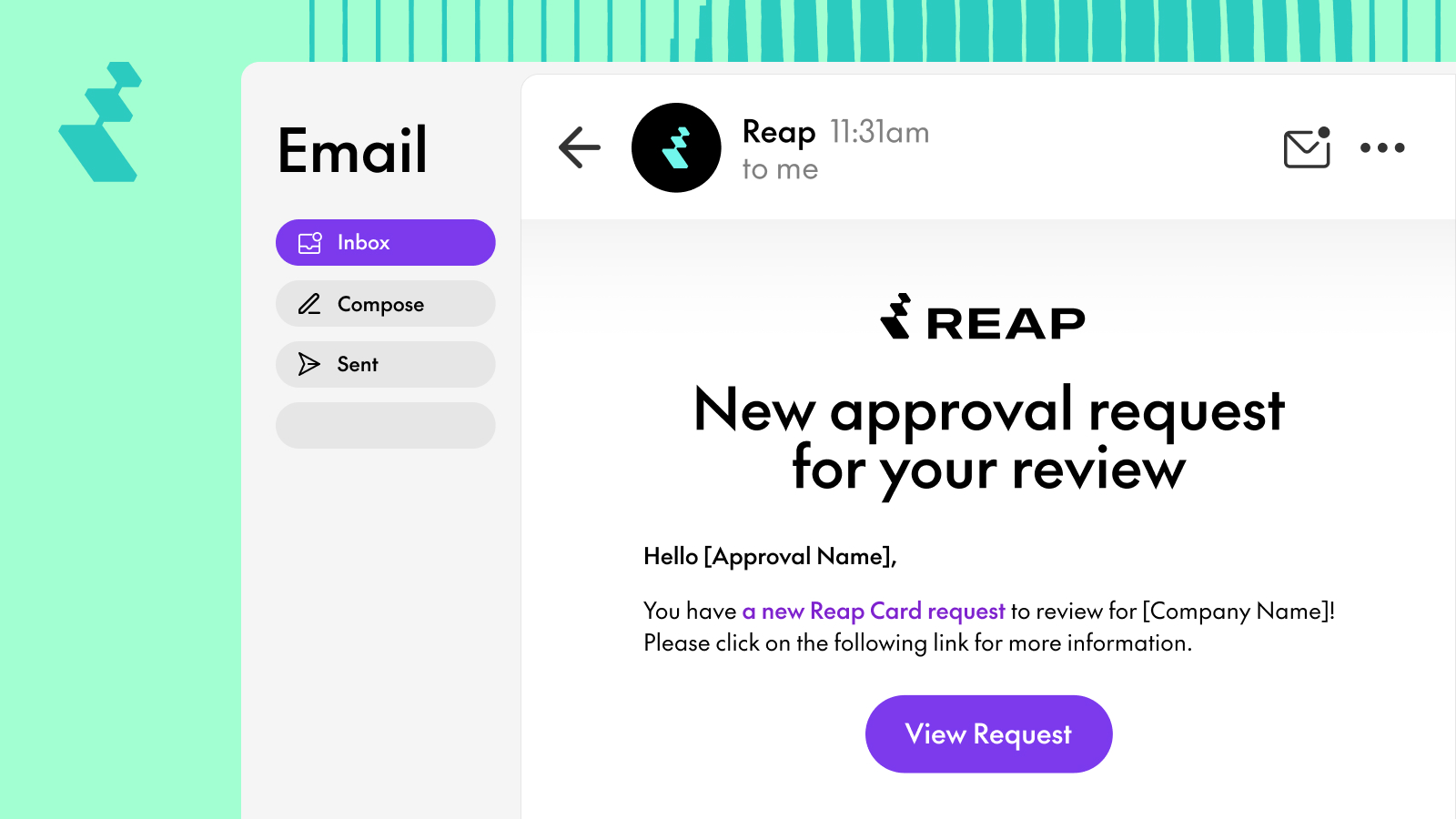
For Reap Pay bill payments, the email notifies the approver that a bill payment requires approval before it can be processed.
.jpg)
Multi-Approver Behavior
If your approval policy requires sign-off from multiple roles, for example both an admin and a group owner, all required approvers receive the email at the same time. There’s no sequential approval chain; everyone is notified simultaneously so they can act in parallel.
If your organization has multiple admins or group owners across departments, all relevant approvers receive the notification based on your policy configuration.
Each request generates one email per approver. In this release, emails are sent individually (digest or batched notifications may be added in a future update).
Who Receives Approval Emails
Emails are sent based on your organization’s approval policy configuration. Only users in the roles required by the policy receive notifications:
If you’re not receiving emails and believe you should be, confirm that your role matches what your organization’s approval policy requires.


