
.png)
This month's updates focus on closing the loop on approvals, making Reap Pay setup smoother, and improving card management reliability across the platform.
This month's highlight: Approvers now get email notifications when a request needs their attention. No more chasing colleagues on Slack - Reap Direct handles it automatically for both card requests and bill payments.
What's New at a Glance
New

1. Approval Notification Emails for Card Requests and Bill Payments
Approvers now receive an email the moment a request needs their attention — whether it's a new Reap Card request or a Reap Pay bill payment. The email includes a direct link to the Approvals section in the Reap Direct dashboard, so approvers can review and act without delay.
This applies to all organizations with approval policies configured. If your team doesn't use approval policies, nothing changes — requests continue to auto-approve.
Who this helps: Finance teams and admins who manage approval workflows and need approvers to act before payment quotes expire.
How to use it: Automatic. If your organization has approval policies configured, approvers will start receiving emails immediately.
Enhancements
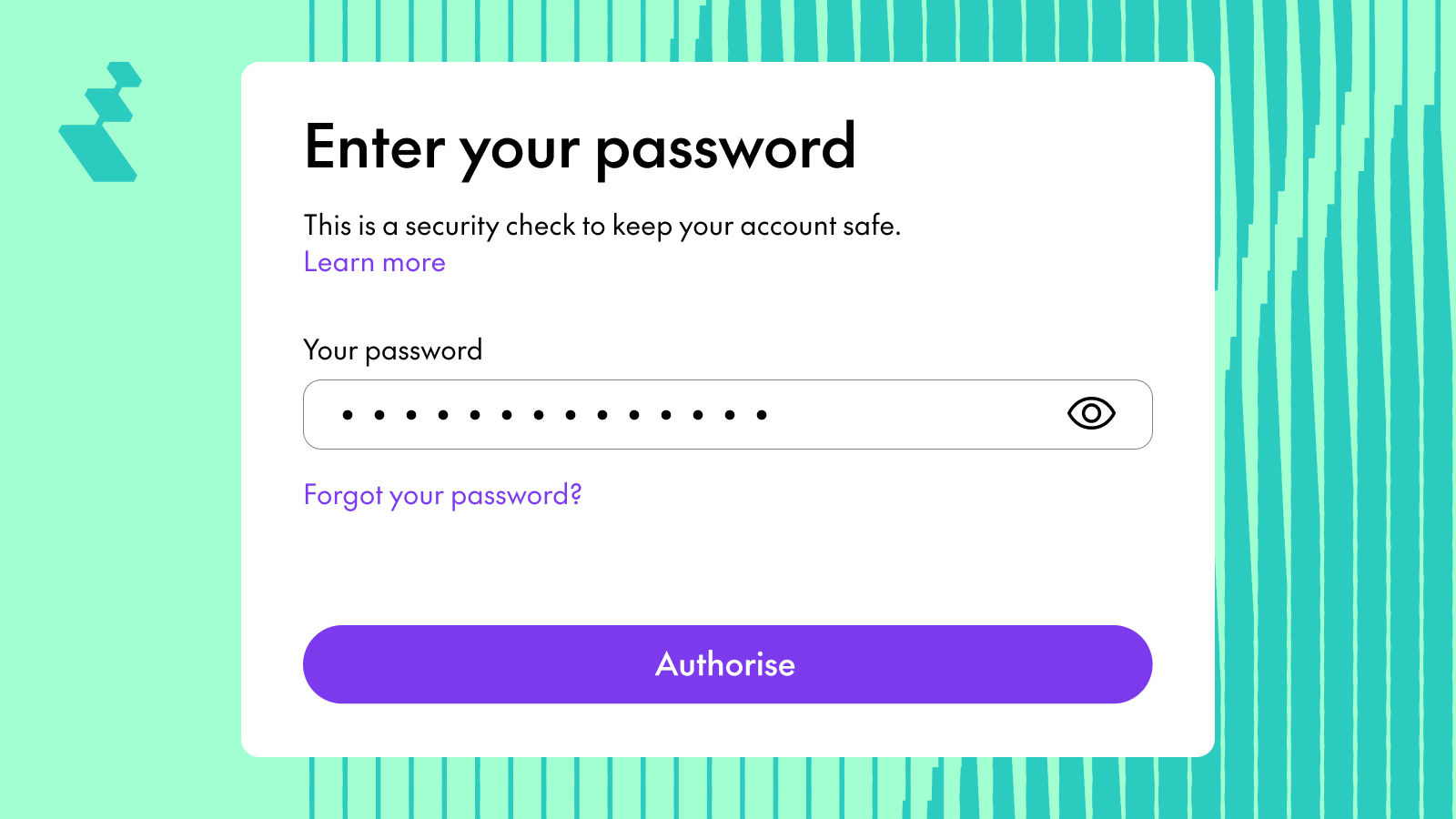
1. Smoother Password Input for Card Operations on Mobile
The password input experience when freezing, unfreezing, or terminating a card on the Reap Mobile App is now cleaner and more responsive.

2. Helpful Guidance for ACH Payments to US Recipients
When creating an ACH payment in Reap Pay, a tooltip now explains the local US address requirements, helping you set up payments correctly the first time.
3. Only Active Cards Shown When Paying via Reap Card
When selecting Reap Card as the payment method in Reap Pay, the card list ensures not to display any expired or terminated cards — so you'll only see cards you can actually use.
4. Faster Loading When Selecting Reap Card as Payment Method
Choosing Reap Card as your payment method during Reap Pay transaction creation is now noticeably faster.
Fixes
1. Approval Policy Enforcement for Virtual Card Requests
Approval emails are triggered when a new virtual card is created under an entity with approval policies, ensuring all card requests go through the proper review process.
2. Password Validation for Card Operations
Creating, freezing, unfreezing, and terminating cards requires password verification, adding an important layer of security to card management.
3. Card Filtering by Status and Last 4 Digits
Admins can filter cards by Card Status or Last 4 Digits to quickly find specific cards.
4. Timestamps in Reap Pay Transaction Status
The Reap Pay status drawer displays the time a transaction was submitted or last updated, giving users an accurate timeline of their payment.
5. Large File Uploads in Reap Pay
Users can attach invoices and supporting documents of any file size when creating a Reap Pay transaction.


