
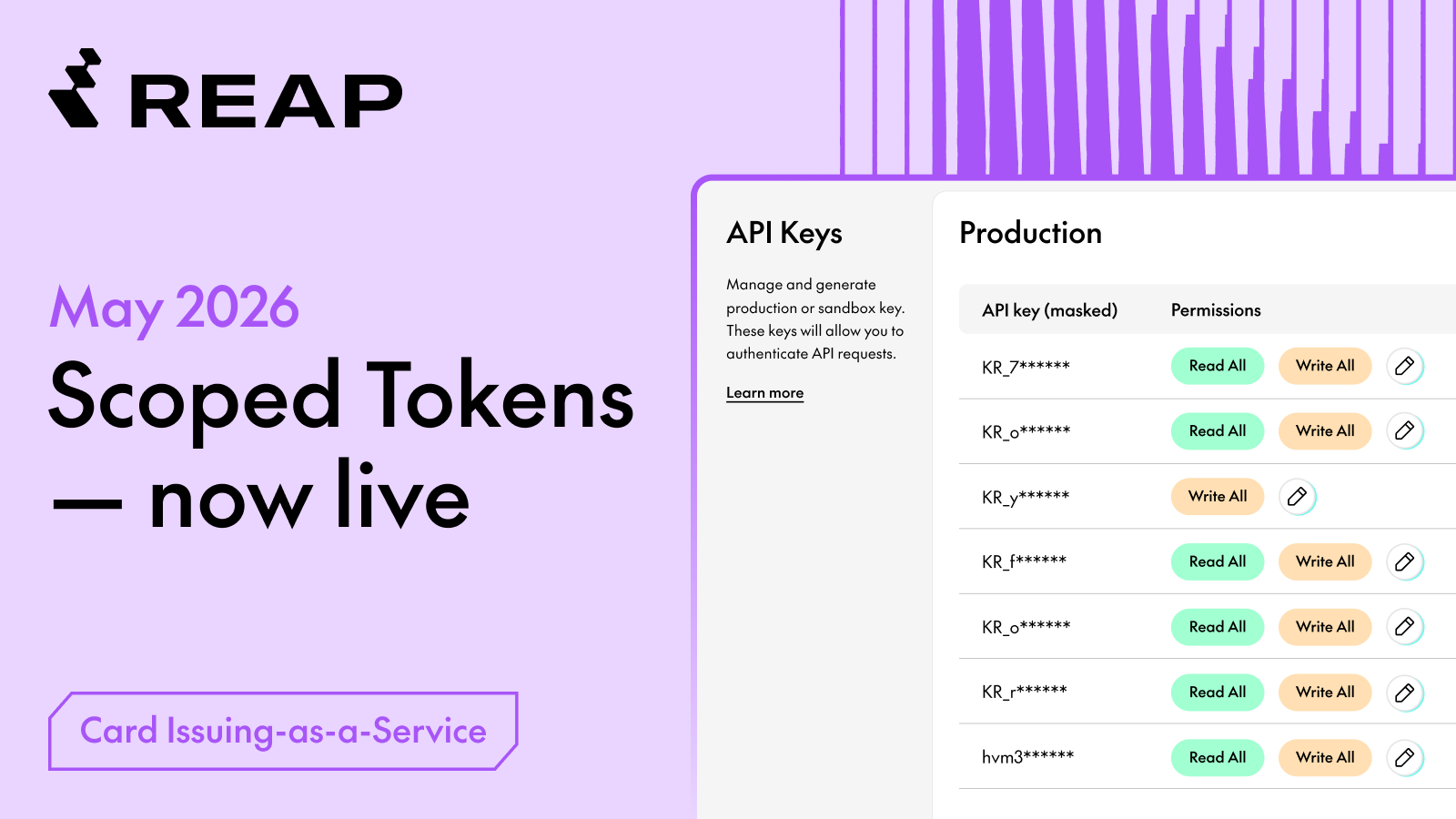
Here's what's new with our Cards-as-a-Service Line
New Feature: Scoped Tokens - Fine-Grained API Key Permissions
Control exactly what each API key can do — limit integrations to read-only, scope keys by function, and reduce your security exposure without changing a single line of existing code.
Why This Matters
Previously, any valid API key had full access to every CaaS route. There was no way to restrict a key to read-only, or to limit it to specific operations. As integrations grow more complex (e.g. more teams, more third-party tools, more automated workflows, etc.) that all-or-nothing model creates unnecessary risk.
Scoped Tokens lets you apply the principle of least privilege: each API key only carries the permissions it actually needs.
1. Secure Reporting Integrations
Lock analytics or BI tools to READ_ALL — they can pull data but can’t create or modify cards.
2. Sandbox Third-Party Vendors
Give external integrations only what they need. If a vendor key is ever exposed, the blast radius stays small.
3. Cleaner Internal Access Controls
Separate keys for separate teams. Eng can have write access; finance stays read-only.
Make a call to a /cards or /transactions endpoint using the scoped key. A READ_ALL key should succeed on GET requests and return 403 on POST/PUT/DELETE.
What’s New?
1. Manage Permissions Directly from the CaaS Dashboard
Clients can now grant READ_ALL and/or WRITE_ALL permissions to any API key directly from the CaaS Dashboard — no API calls needed, and no need to contact your Reap account team for setup.
Go to Developer Settings → API Keys, then click the ✏️ edit icon next to any key to assign its permissions.
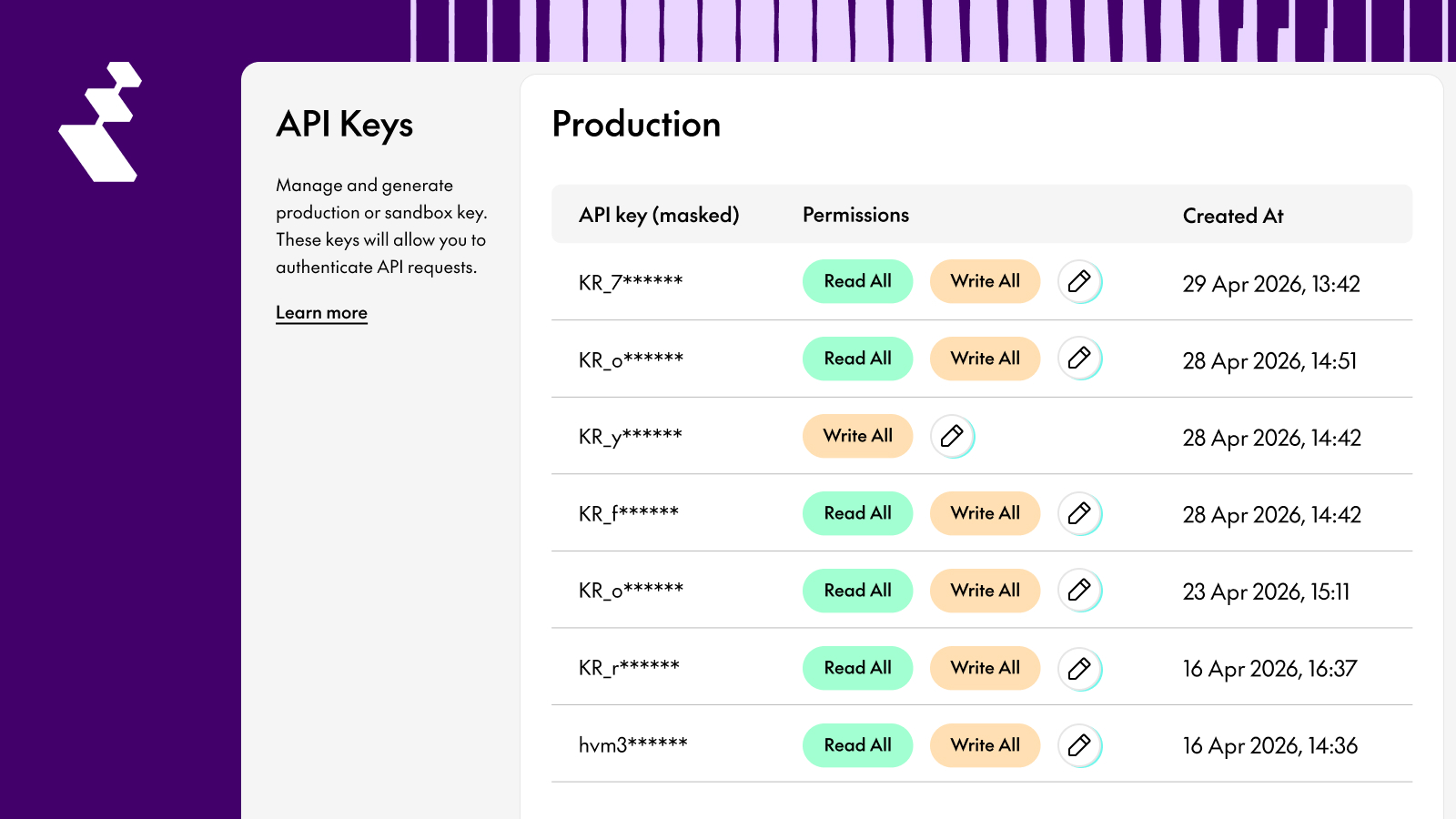
Supported permission values:
Current Limitation: Permissions are Additive Only
Permissions can be granted to an existing key, but cannot currently be removed. To issue a key without any permissions, generate a new API key instead. The ability to remove permissions from an existing key will be supported in a future release.
Important: Permission Enforcement is Now Live
The following endpoints now require an explicit permission to be set on the API key. Keys with no permissions will receive a 403 Forbidden:
- All
/cardsand/cards/{cardId}endpoints → V1 and V2 /transactionsand/transactions/{cardId}→ V1
Disclaimer: No action needed for existing integrations.
All existing API keys have been automatically backfilled with WRITE_ALL .
That means your current workflows will continue working without any changes.
Quick Set Up Guide
- Navigate to API Keys in the CaaS Dashboard: Go to Developer Settings → API Keys. You'll see both your Production and Sandbox keys listed here.
- Click the edit icon next to the key you want to scope:
Click the ✏️ pencil icon on the right side of the key row to open the permission editor.
- Grant the permission(s) and confirm:
SelectREAD_ALL,WRITE_ALL, or both — then save. The change takes effect immediately. NoapiKeyIdor API call needed.
- Test in staging first
Full API Reference & Documentation
reap.readme.io/docs/scoped-tokens-api-key-permissions
Questions? Reach out to your Reap account team — we’re happy to walk through how Scoped Tokens can best fit your integration setup.


